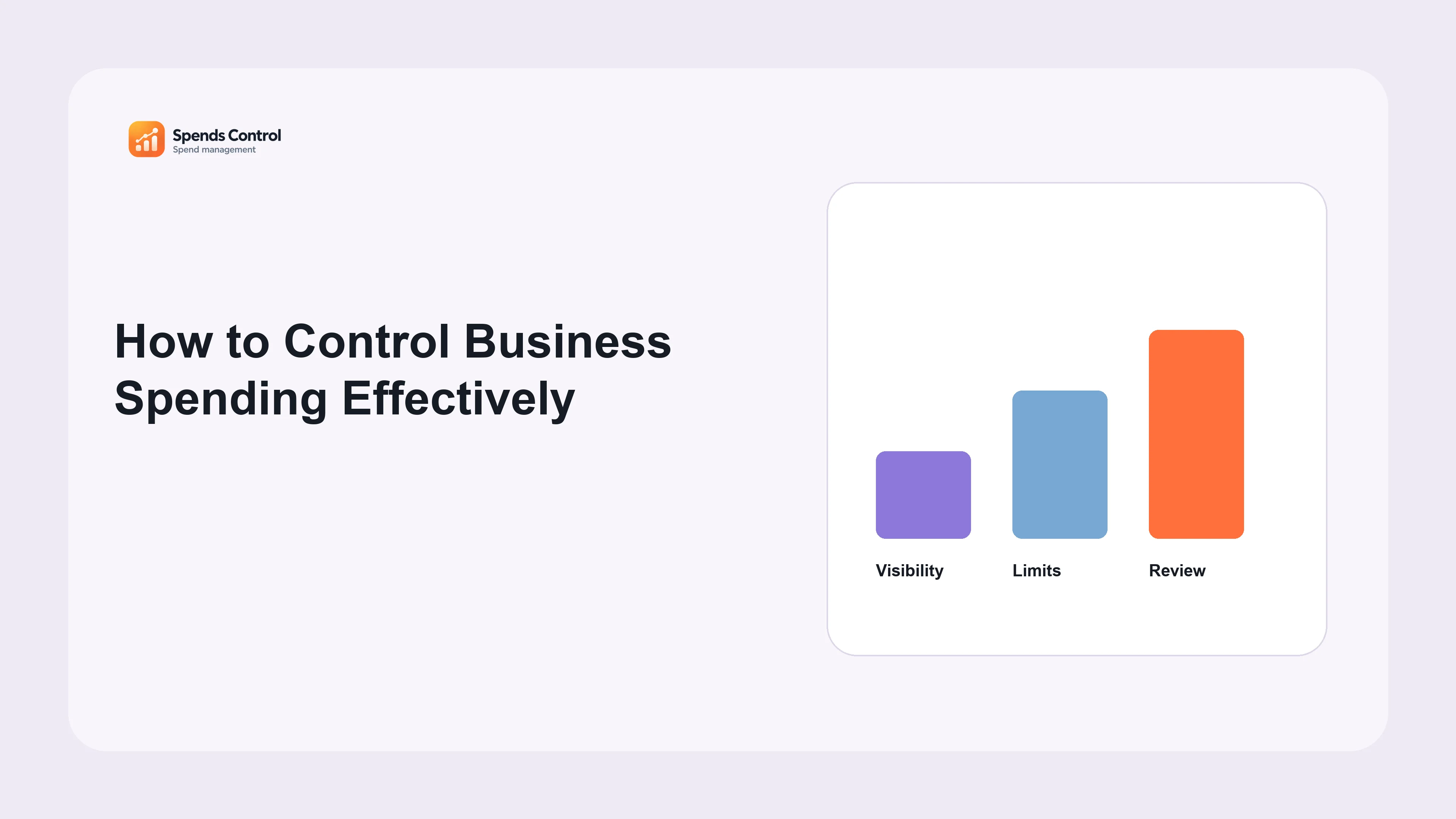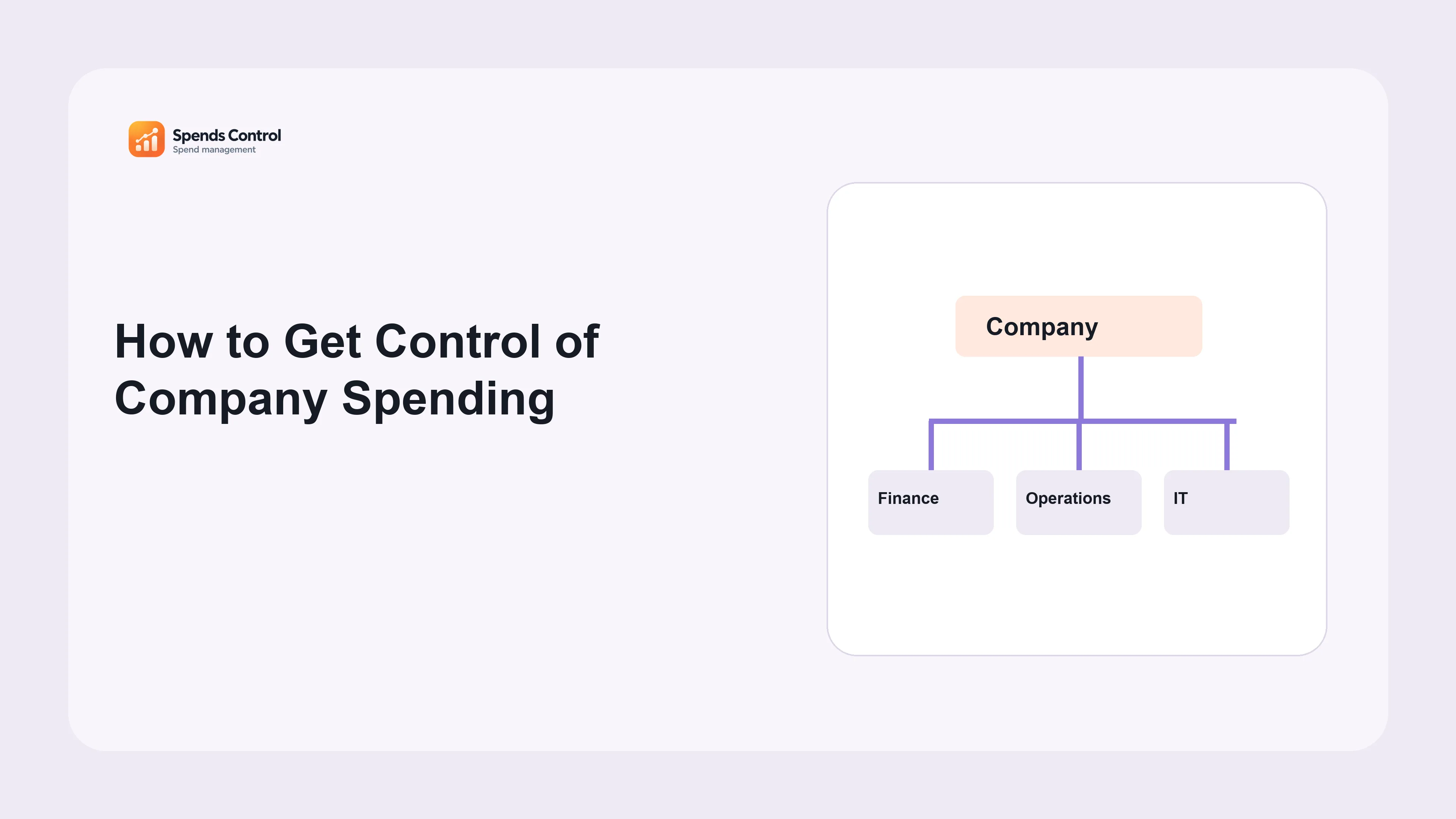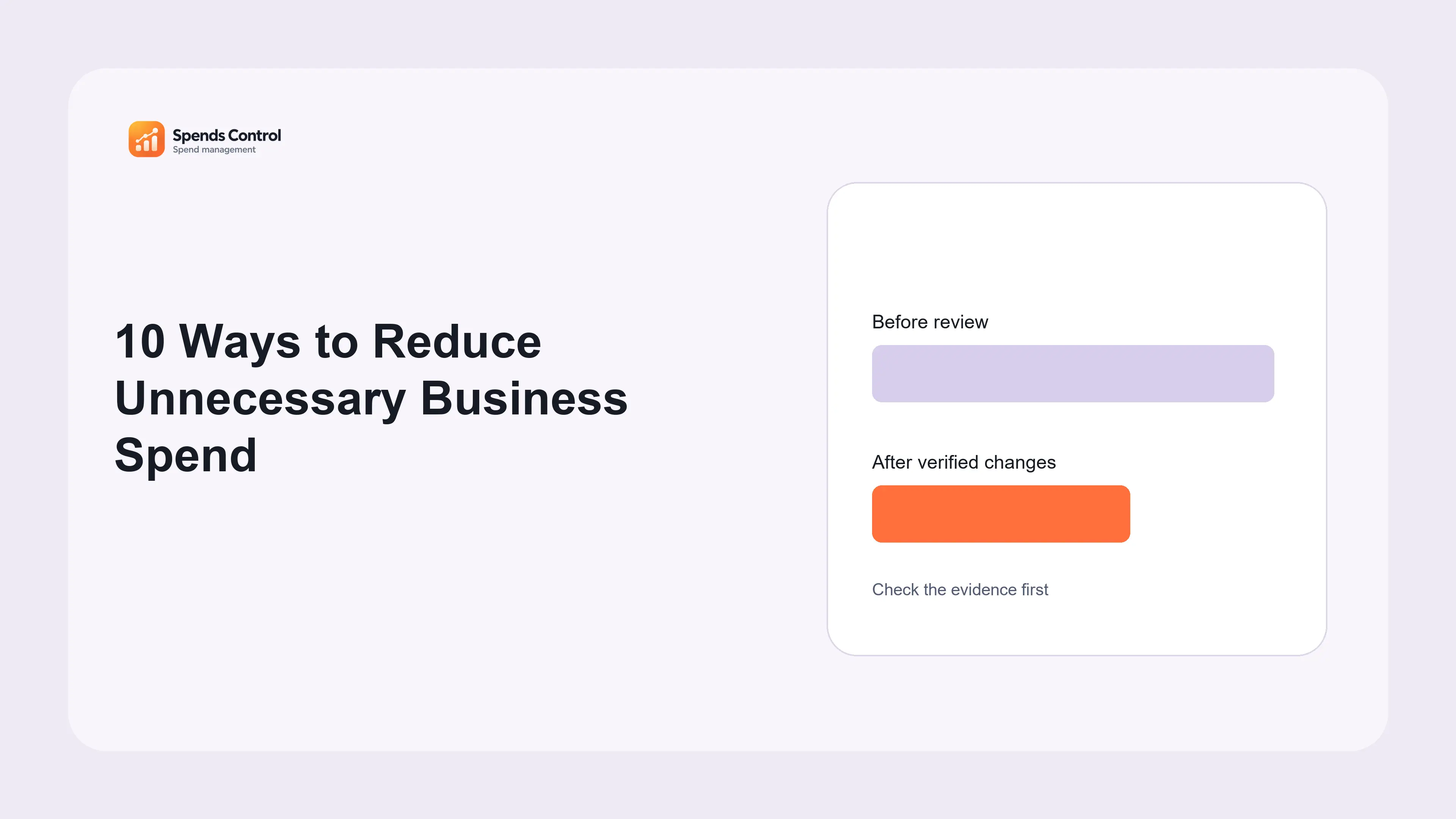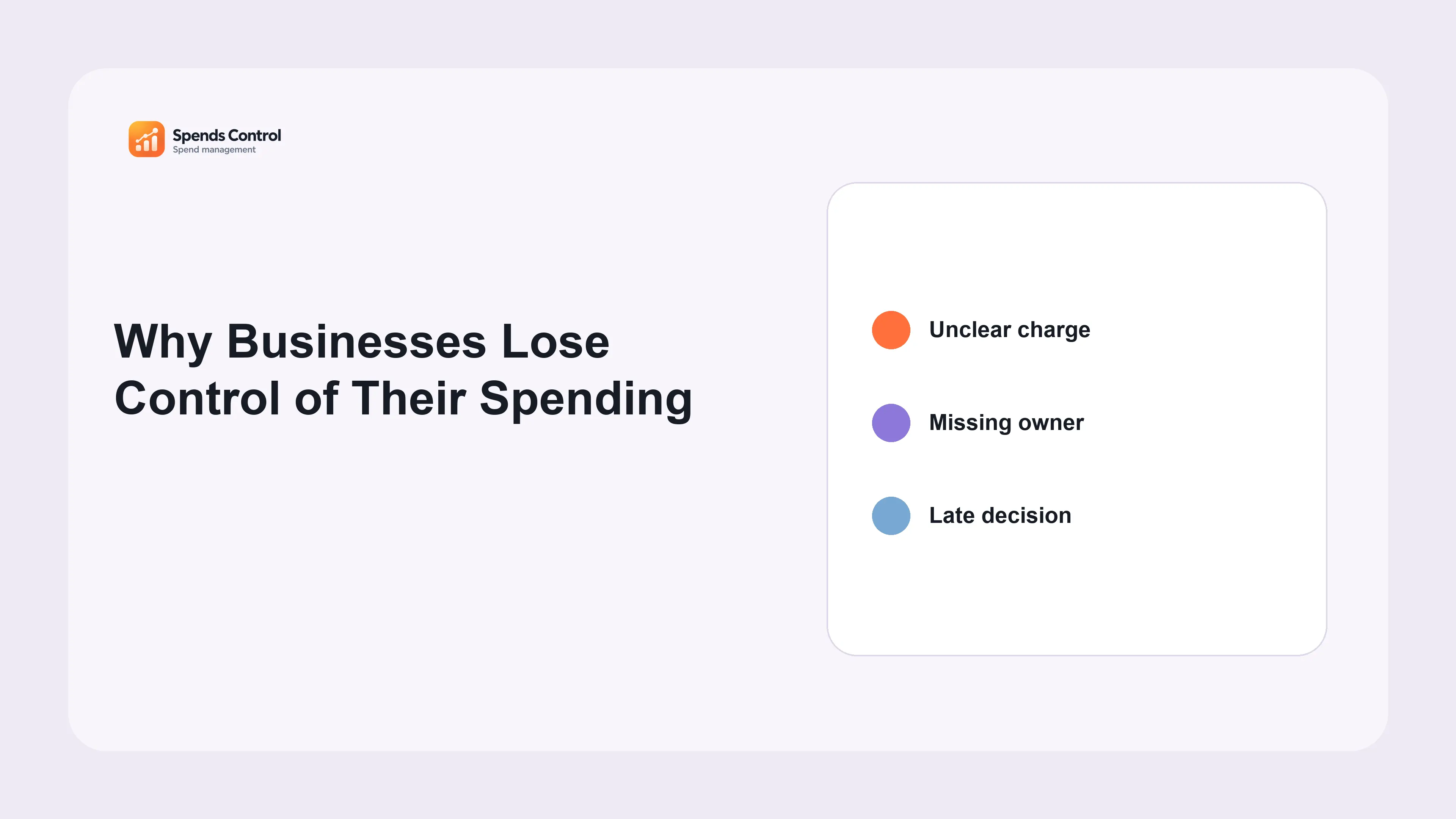
“Clear records make better decisions easier.” You may know how much your business paid without knowing which tool caused the charge, who uses it or when it renews. Spends Control helps bring those details together. This guide explains the product in simple terms and shows why an organized routine matters. When records are scattered, small questions take too long to answer. Start by connecting each cost with its purpose, owner and next decision.
What Spends Control actually means
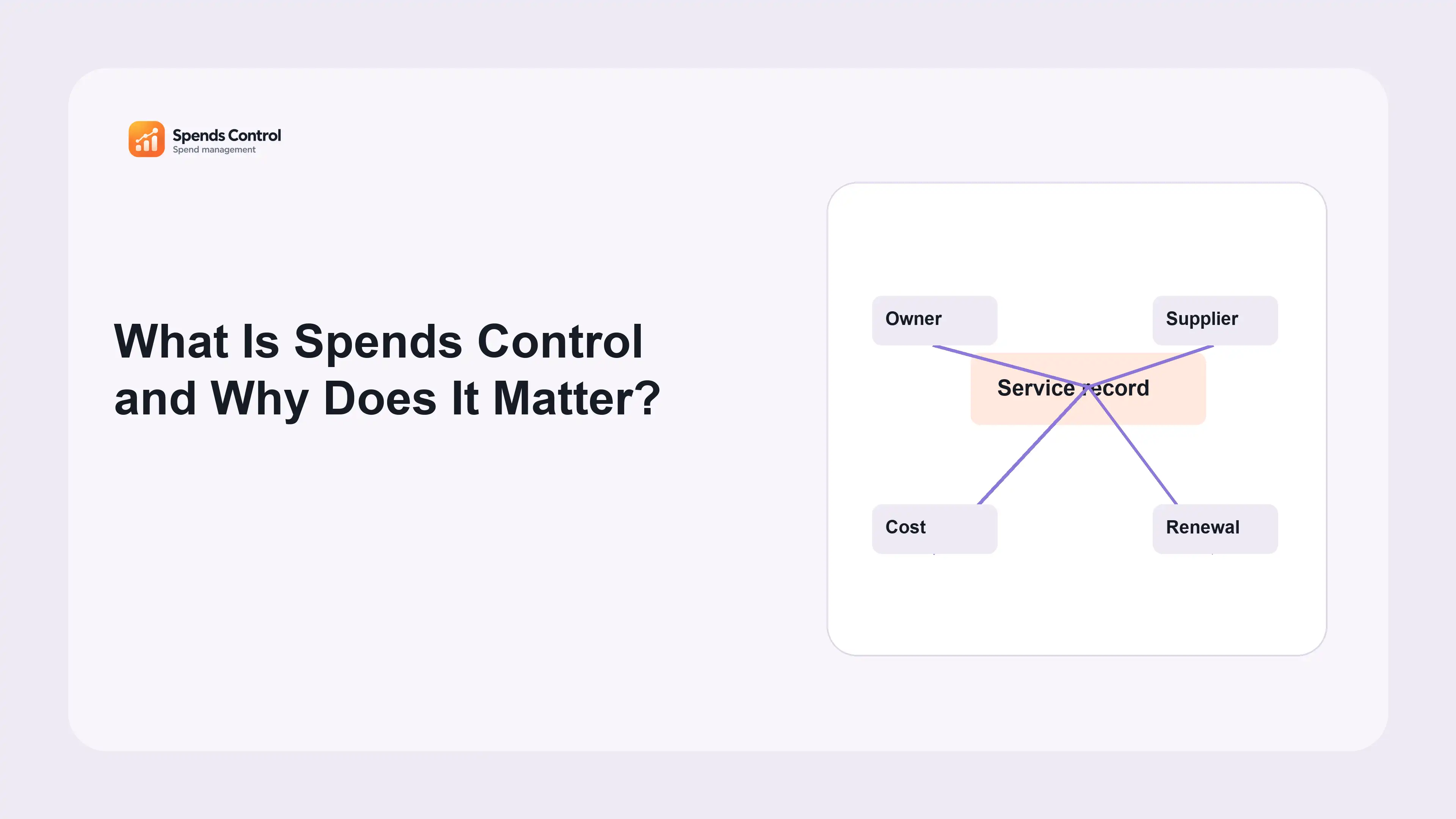
Spends Control is a web-based digital spend and asset management system. It organizes software, transaction records, suppliers, agreements, budgets, purchasing requests and digital infrastructure. Its purpose is to connect an expense with the service, person responsible and purchase details behind it, so a reviewer can understand what requires attention.
We recommend starting with clear records and a simple routine. The broader practice of spend control is a business discipline: decide how purchases are proposed, approved, recorded and reviewed. Software supports that discipline but cannot define business priorities for you. A complete record helps an owner judge a agreed purchase; it does not prove that the agreed purchase is unnecessary or that cancellation would be safe.
Consider an annual subscription charged this month. A bank entry shows the payment. An application record explains the tool and owner, while the agreement explains the next notice deadline. Looking at those facts together prevents the annual payment from being mistaken for a new recurring monthly increase. The question changes from “Why did spending rise?” to “What decision should we prepare?”
A practical review checklist
- Identify the service and service owner.
- Connect the recorded charge with its agreement.
- Prepare the next decision before its deadline.
Why disconnected information creates avoidable work
A service can have several owners in practice: someone administers access, someone manages its budget and someone authorizes a purchase. When those responsibilities exist only in messages, colleagues repeatedly piece together the same context. A departure or department change can leave a subscription active with nobody clearly responsible for its next review.
Timing creates a second problem. The invoice date, payment date, renewal date and cancellation deadline describe different events. If a team reviews only payments, it may discover a agreed purchase after the decision window has closed. A useful process records the relevant dates early and makes missing answers visible rather than filling missing fields with assumptions.
The cost of this scattered information is not limited to extra spending. Teams also lose time searching for agreements, asking who approved a tool and checking whether another colleague already reviewed it. Better control reduces that repeated investigation. It should help useful work continue with clear responsibility, rather than introduce approval steps that nobody understands or can complete.
How the connected tools support a review
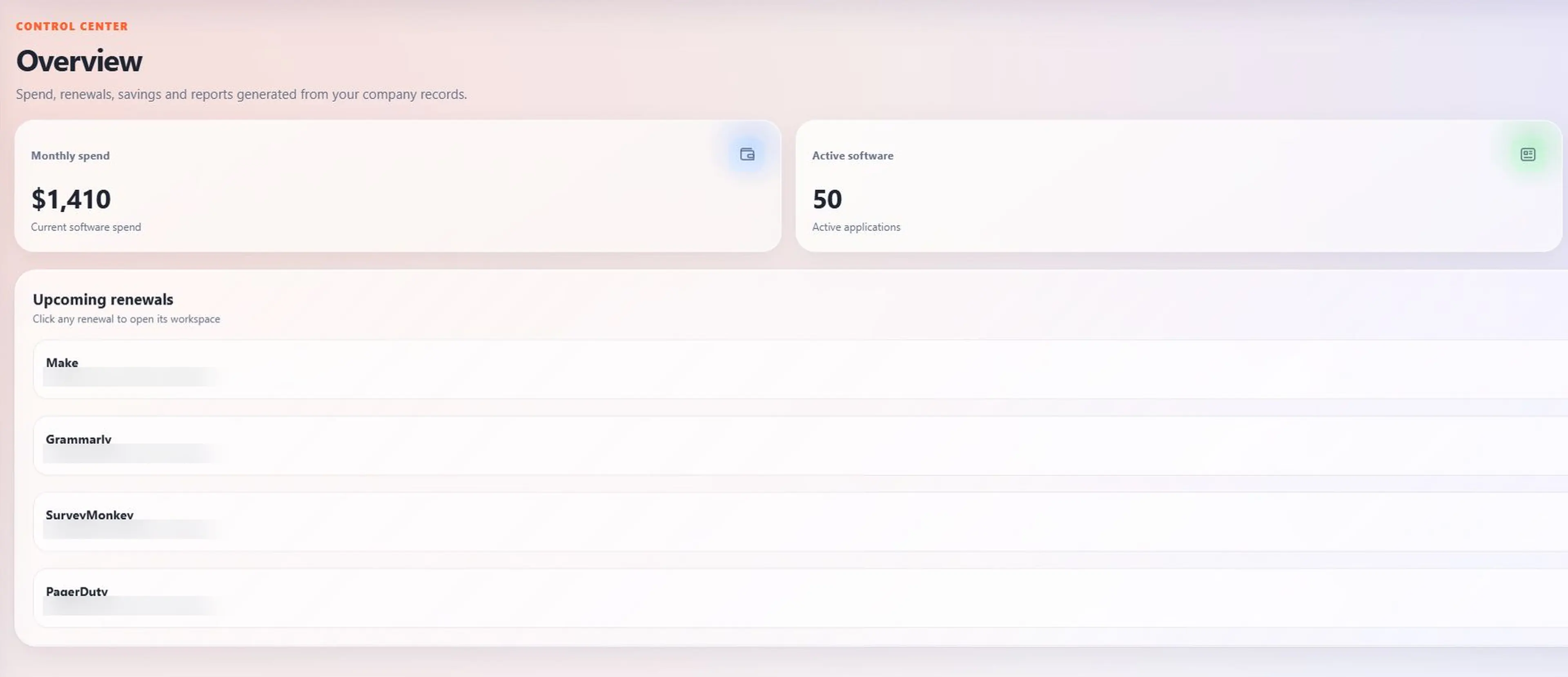
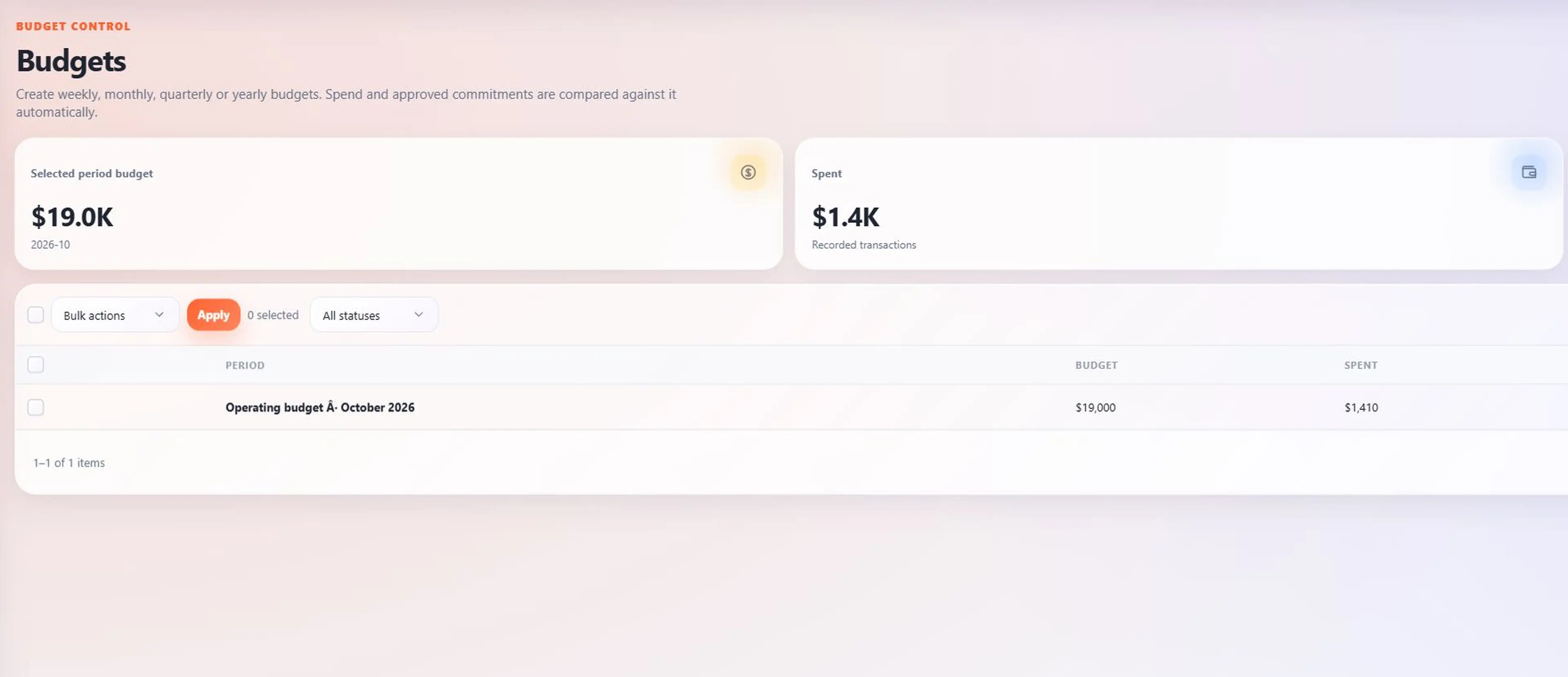
Start with Spends to inspect a recorded charge, then check the related application and supplier. Keep the transaction currency and date clear. The Budgets view adds budget amount and approved planned purchase details, so a balance is not confused with money that is already set aside for a pending purchase.
Requests & Approvals keeps the business reason, estimated cost and recorded decision for proposed software. Review and approval remain distinct stages. A checked request is not necessarily approved, and an approved estimate is not an actual payment. These distinctions matter when finance compares planned agreed purchases with recorded transactions.
Contracts and Renewals help prepare the next purchase decision. The owner checks current need, terms and seats or service limits before renewing, replacing or removing a service. Optimization findings provide reasons to investigate, while Savings separates potential changes from confirmed results.
Put the practice in place before expanding it
Choose one department or a manageable group of recurring services. Record the service name, supplier, purpose, owner, amount, currency, billing schedule and relevant dates. Add the evidence needed to check the information. Mark unknown details as open work with a person responsible; do not let a tidy looking list hide an incomplete service list.
At Spends Control, we recommend giving each open task an owner and a review date. Next, agree who maintains records and who can approve changes. Schedule a short review around upcoming decisions. Discuss unexplained charges, missing ownership, pending requests and approaching notice windows. Each concern should end with an action, person responsible and review date. A dashboard is useful when the team knows what it will do with the information.
Finally, compare the process with the results you actually observe. Are fewer charges unexplained? Are decisions prepared before their deadlines? Can another colleague understand a handover? Start with those improvements in daily work before making ambitious savings claims. The complete product guide explains how the tools fit together if you want to check the workflow in more detail.
To build on this routine, read our guides to controlling business spending, building a spending process and spending warning signs. Choose the next topic that matches the problem your team needs to solve.
Frequently asked questions
Is Spends Control an accounting replacement?
No. Spends Control helps organize digital services, costs and purchasing decisions. Keep your accounting, tax work and formal financial reports in the processes used for those jobs.
Can a small business begin with only a few records?
Yes. Start with a few services you understand. Add their owners, costs and dates, then grow the list when your team can keep it current.
Do all suppliers provide automatic usage information?
No. Check what information each supplier provides. Some usage details may need to be entered or checked by your team.
What should I prepare for a product walkthrough?
Bring an example of a service you pay for and a spending question you want to answer. Explain who requests, reviews and approves purchases. Do not send passwords.
Does the software make cancellation decisions?
No. Your business decides whether to keep or cancel a service. Check who relies on it and what the agreement allows before making the change.