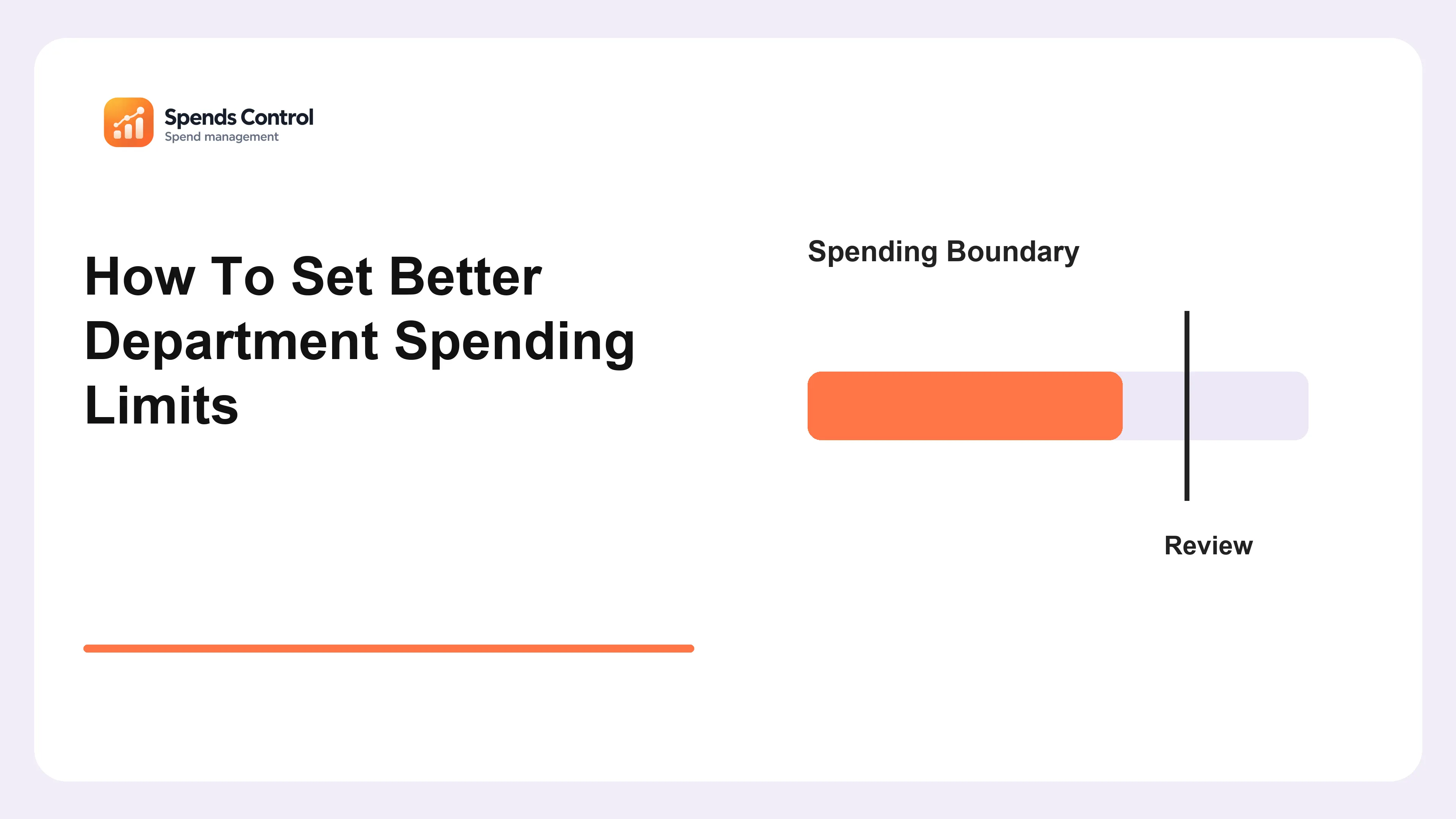
A spending limit can be too loose to protect the budget or so strict that routine work gets stuck. Employees then wait unnecessarily or buy through informal exceptions. Better department spending limits begin with the decisions people actually make. This guide explains how to set practical boundaries, distinguish a purchase limit from a department budget and agree who can approve unusual requests, so your rules support useful work while keeping ownership and the amount already committed clear to everyone involved.
Separate The Budget From Buying Authority
A department allocation and permission to approve a purchase answer different questions. Make both clear before setting a threshold. State whether the limit covers one purchase, a supplier commitment or spending over a period. Include recurring terms where relevant: a small monthly price can represent a larger annual obligation. Explain the currency and whether tax is included, so employees do not compare figures using different assumptions.
Name the person who may approve at each level and who checks the source information. A manager with a remaining budget does not automatically have authority to sign every supplier agreement. The company spending rules guide helps make these responsibilities understandable outside the finance team.
Choose Limits Around Real Department Needs
The same threshold will not suit every team. Review the buying pattern and risk before choosing an amount. List routine purchases, essential renewals and larger changes in scope. Consider the effect of a delay and the length of the supplier commitment. A team managing critical infrastructure may need a different review route from a team buying small optional tools. Avoid copying another company's limits without checking your work.
We recommend testing proposed limits against recent examples. Ask which purchases would proceed, wait or need an exception under the new rule. Read department budget management to connect those limits with allocations across teams, including shared costs that cannot be judged from one department's balance alone.
Check The Remaining Position Before Approval
A purchase below a threshold can still push a team over its allocation. Authority and affordability need separate checks. Compare the requested amount with recorded spending, outstanding commitments and other known needs in the same period. Budgets supports reviewing these stages. Keep unapproved proposals separate and make the balance method visible, so an approver understands which amounts have already reduced the available room.
Use Requests & Approvals to record the reason, estimated cost and decision context. Confirm your actual workflow instead of assuming every threshold creates an automatic software block. Budget spending control explains how these checks fit into the day-to-day routine before another purchase goes ahead.
Keep An Exception Route For Genuine Urgency
A usable rule explains what to do when normal timing cannot work. An exception should remain accountable rather than becoming hidden permission. Define who can approve urgent spending, what minimum information is needed and when the decision is reviewed afterward. Include the expected amount and effect on the budget. Avoid telling employees to bypass all records simply because the usual approver is unavailable; name a backup role where needed.
At Spends Control, we recommend reviewing repeated exceptions for a common cause. The issue may be late planning, unclear fields or an unrealistic threshold. Use causes of budget overruns to distinguish a process delay from careless buying, then improve the specific route that keeps being bypassed.
Publish And Review The Limits
Rules work only when people can find and understand them. Explain changes using real purchase situations rather than a long list of numbers. Publish the current version, owner and effective date. Show a routine example, a larger commitment and an urgent exception. Give employees a contact for unclear cases. Applications helps provide service ownership context when a request involves an existing digital tool, rather than another unexplained supplier name.
Review the thresholds when team size, prices or business needs change. Our monthly budget review can surface purchases delayed by the current rules. Keep an approved record of the change, and check whether it improves decisions without removing the checks your business still needs.
Final Verdict
Set limits people can follow in the work they actually do. Keep authority, budget room and supplier commitments distinct, with a documented route for exceptions. Spends Control is a solution for organizing digital requests and budget context around those decisions.
Frequently Asked Questions
Should A Monthly Subscription Be Judged Only By Its Monthly Price?
No. Check the length and total value of the commitment as well as the billing amount. A low monthly price may come with an annual agreement.
Can A Department Manager Approve Their Own Request?
Follow your agreed authority rules. Where an independent decision is required, name another approver rather than relying only on the remaining budget.
What If Several Small Purchases Belong To One Project?
Consider their combined purpose and commitment. Explain how related purchases should be reviewed so splitting a request does not bypass the intended authority.
Should Limits Increase Automatically With Team Growth?
Not automatically. Review actual needs, purchase patterns and responsibility, then approve a change that the business can explain and fund.
How Do We Know A Limit Is Too Restrictive?
Look for routine work repeatedly delayed or predictable exceptions. Check the cause before raising the amount; the problem may be a missing backup reviewer or unclear request information.